Home / Completed projects

Completed projects: network, Wi-Fi and data centre work on site

A selection of work delivered by TurvaTek Global engineers: structured cabling, data centre racks, Wi-Fi access points, equipment staging, office set-ups and printer installations. Customer names and locations are confidential.

Request an engineer
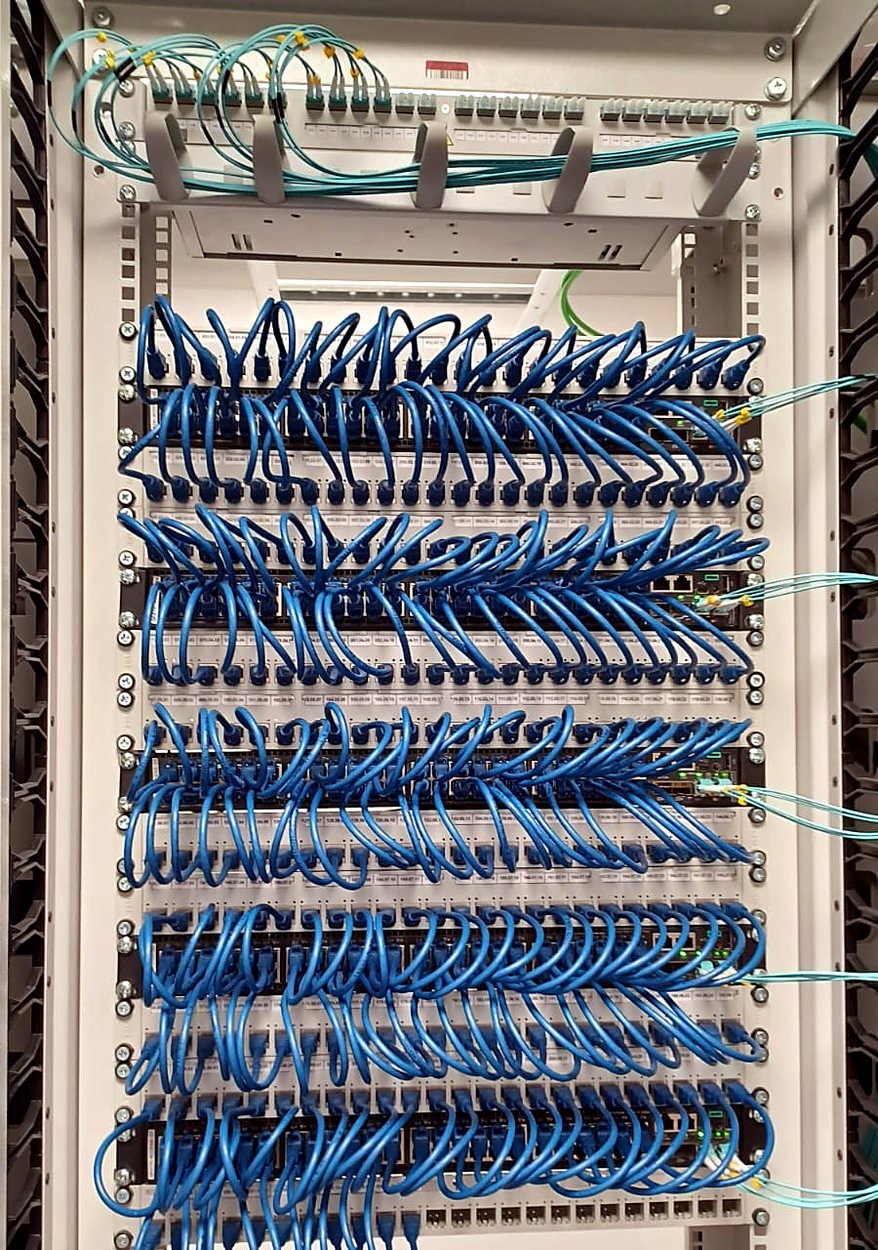
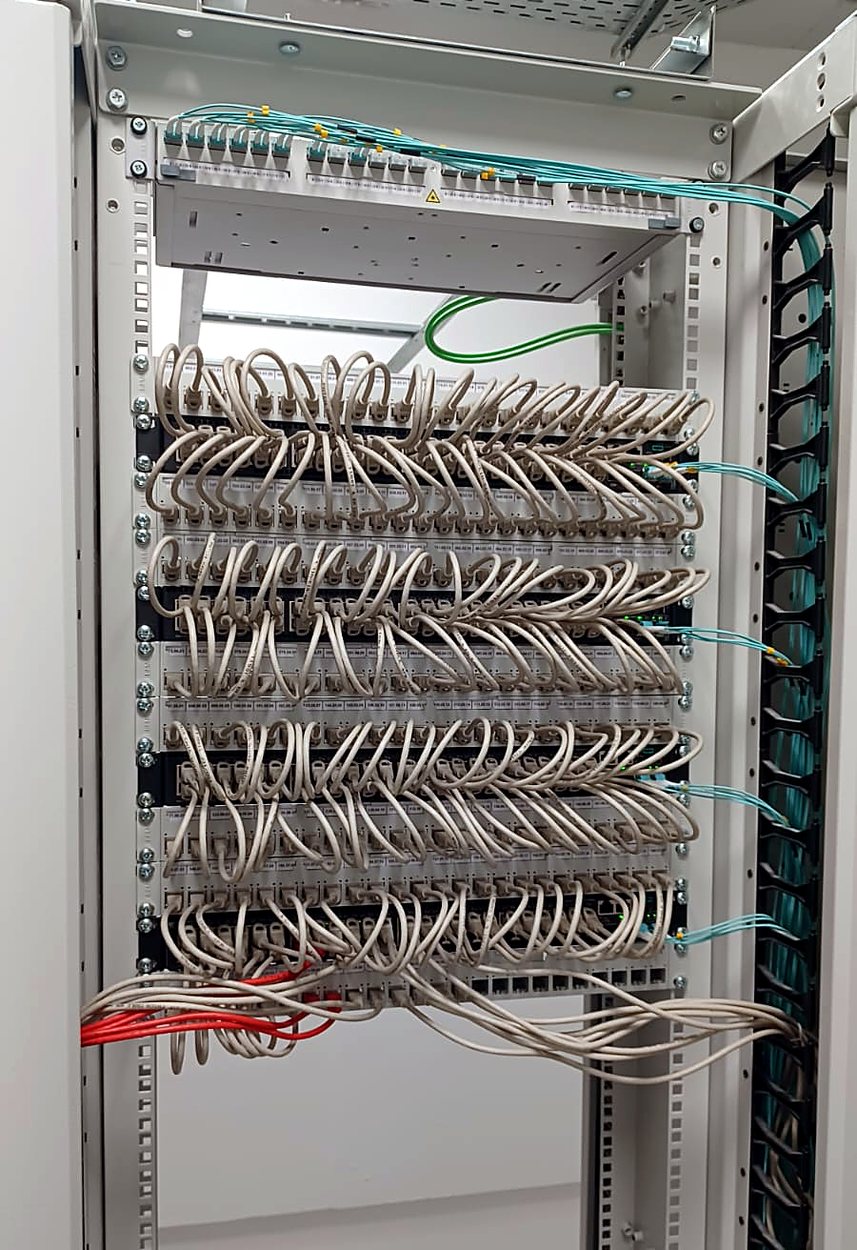
Neatly patched blue Cat6 cables on patch panels in a network rack cabinetRack cabinet with patch panels and dressed grey patch cords and fibre uplinks
Network cabling

Structured Cat6 cabling and patching across rack cabinets

TurvaTek engineers patched and dressed structured copper cabling in rack cabinets, with fibre uplinks routed through the side cable managers. Patch cords were matched to their port positions and routed port by port, so the racks stay easy to trace, maintain and expand.

  • Patch panels cabled and patch cords routed port by port
  • Fibre uplinks routed through the side cable managers
  • Ports labelled and links tested
  • As-built documentation for the customer's network team
Network support and installation →

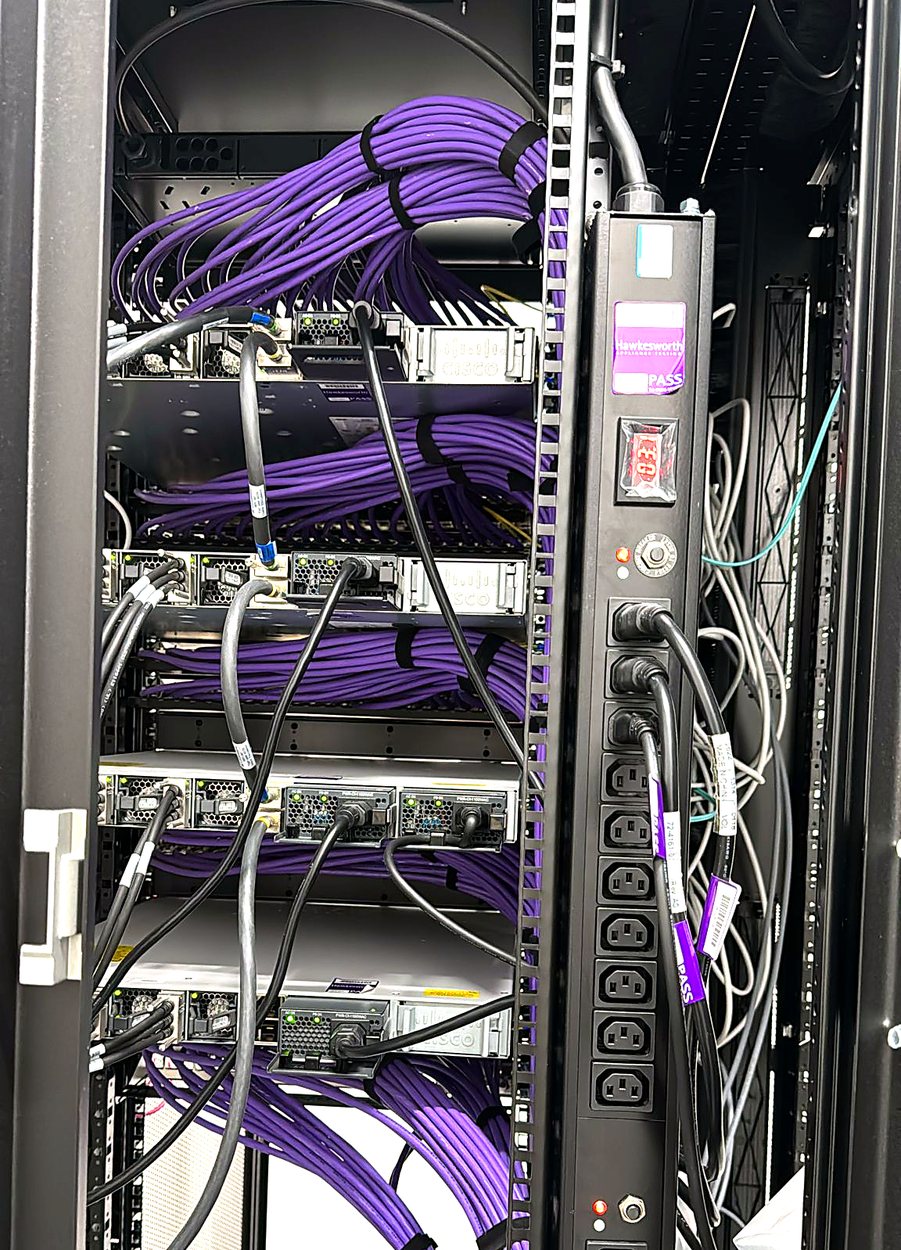
Data centre cabinet with bundled purple network cables and a rack power distribution unit
Data centre

Data centre rack cabling and power distribution

In a data centre cabinet our engineers dressed the network cabling and connected equipment to the rack power distribution unit. Structured cables were bundled and tied, and the power connections were organised so the cabinet is safe and quick to service.

  • Network cables bundled, tied and routed to each device
  • Equipment connected to the rack PDU, with power cables labelled
  • Visual status checks after power-up
  • Documentation of rack layout and connections

Data centre smart hands →

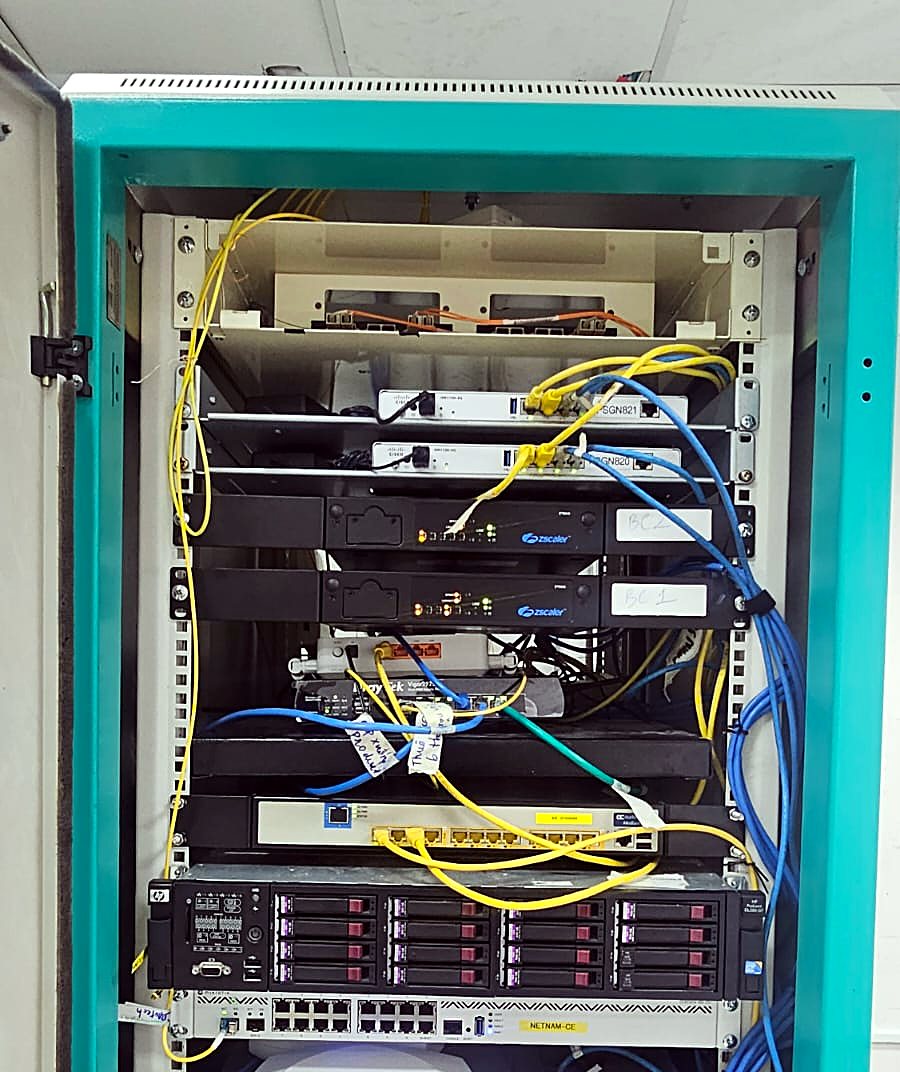
Equipment cabinet with servers, switches, fibre links and a wireless access point installed and cabled
Server and network cabinet

Server and network cabinet installation

We installed and cabled a communications cabinet that holds servers, switching, fibre links and wireless equipment, and prepared it for service. Fibre and copper links were patched to the right ports and the equipment was checked after power-up.

  • Servers and network devices mounted in the cabinet
  • Fibre and copper links patched and checked
  • Devices powered up and verified
  • Handover to the customer's IT team

Network support and installation →

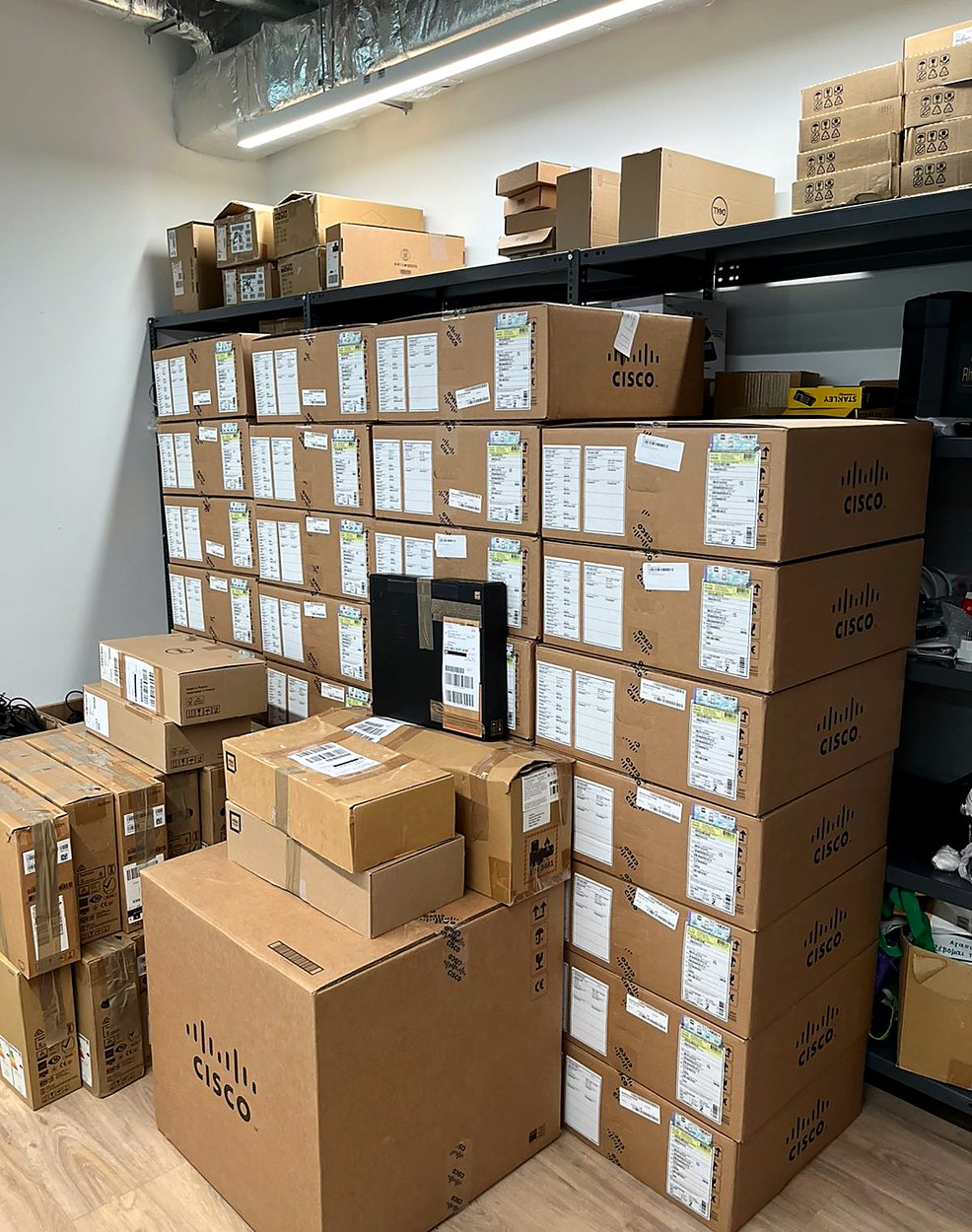
Stockroom with stacked Cisco network equipment boxes staged for deployment
Staging and logistics

Cisco equipment staging for a multi-site deployment

Before any engineer travelled to site, the network equipment was received, checked and staged in a secure room, so each location could get the right kit at the right time. Staging cuts delays on installation day and keeps multi-site roll-outs on schedule.

  • Equipment received and counted against the order
  • Boxes grouped and labelled by site
  • Kit packed and dispatched with the installing engineer
  • Open items reported back to the project team

Field engineers for MSPs →

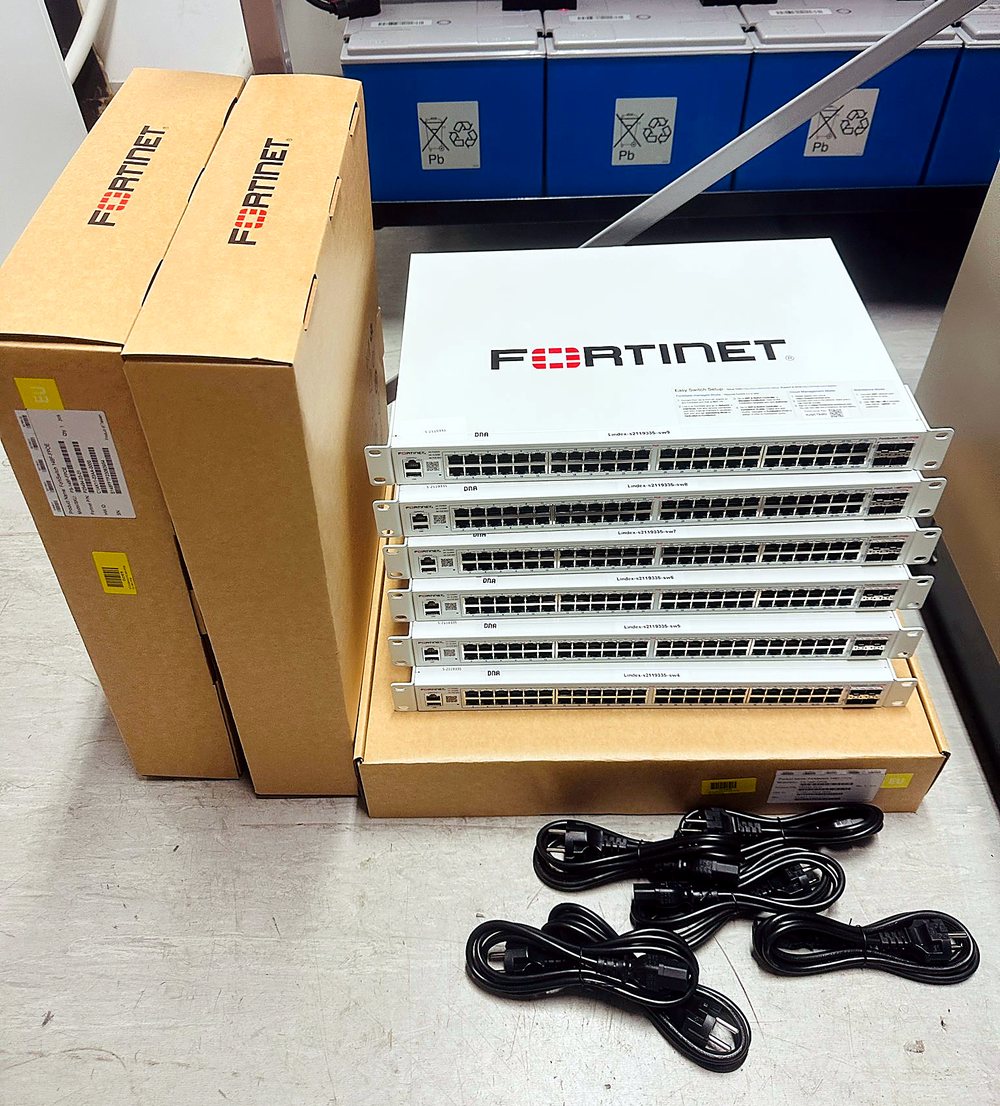
Stack of Fortinet network switches unboxed with power cables ready for rack installation
Network deployment

Fortinet switch deployment

A batch of Fortinet switches was unboxed, inspected and prepared for rack installation, with power cables and mounting kits kept together for each unit. Preparing the hardware up front means the rack installation and configuration go quickly.

  • Unboxing and visual inspection of every unit
  • Serial numbers and assets recorded
  • Rack kits and power cables prepared per switch
  • Installation in the rack under the network team's direction

Network support and installation →

Aruba Wi-Fi access point mounted on a ceiling in an office
Wi-Fi

Wi-Fi access point installation

An Aruba access point was mounted on the ceiling and cabled back to the network, positioned for even coverage. After installation the wireless network was tested, and the access point location was recorded for the customer.

  • Access point mounted at the planned location
  • Cabled to the switch and powered
  • Coverage checked after installation
  • Location and details recorded in the handover notes

Wi-Fi site surveys with Ekahau →

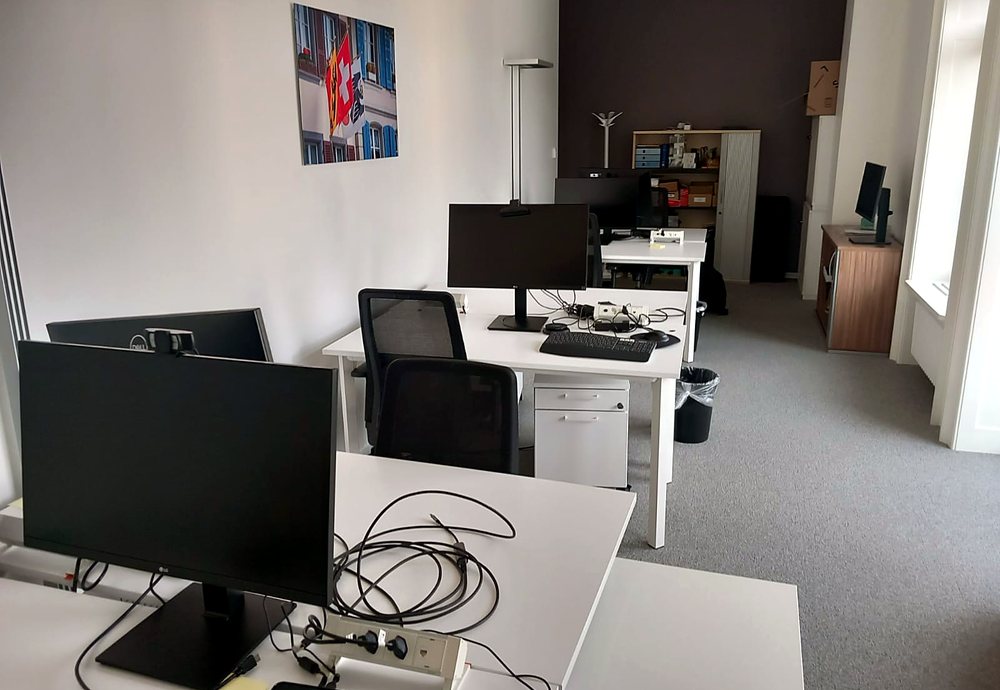
New office floor with desks, monitors and cabling set up for staff
Office setup

Office workstation and desk setup

A new office floor was fitted out with desks, monitors, cabling and power so staff could start working from day one. Cables were managed, network ports were checked and each workstation was ready for its user.

  • Monitors, peripherals and power set up at every desk
  • Cabling managed and network ports checked
  • Workstations ready for user log-in
  • Open items cleared before handover

EUC and desktop support →

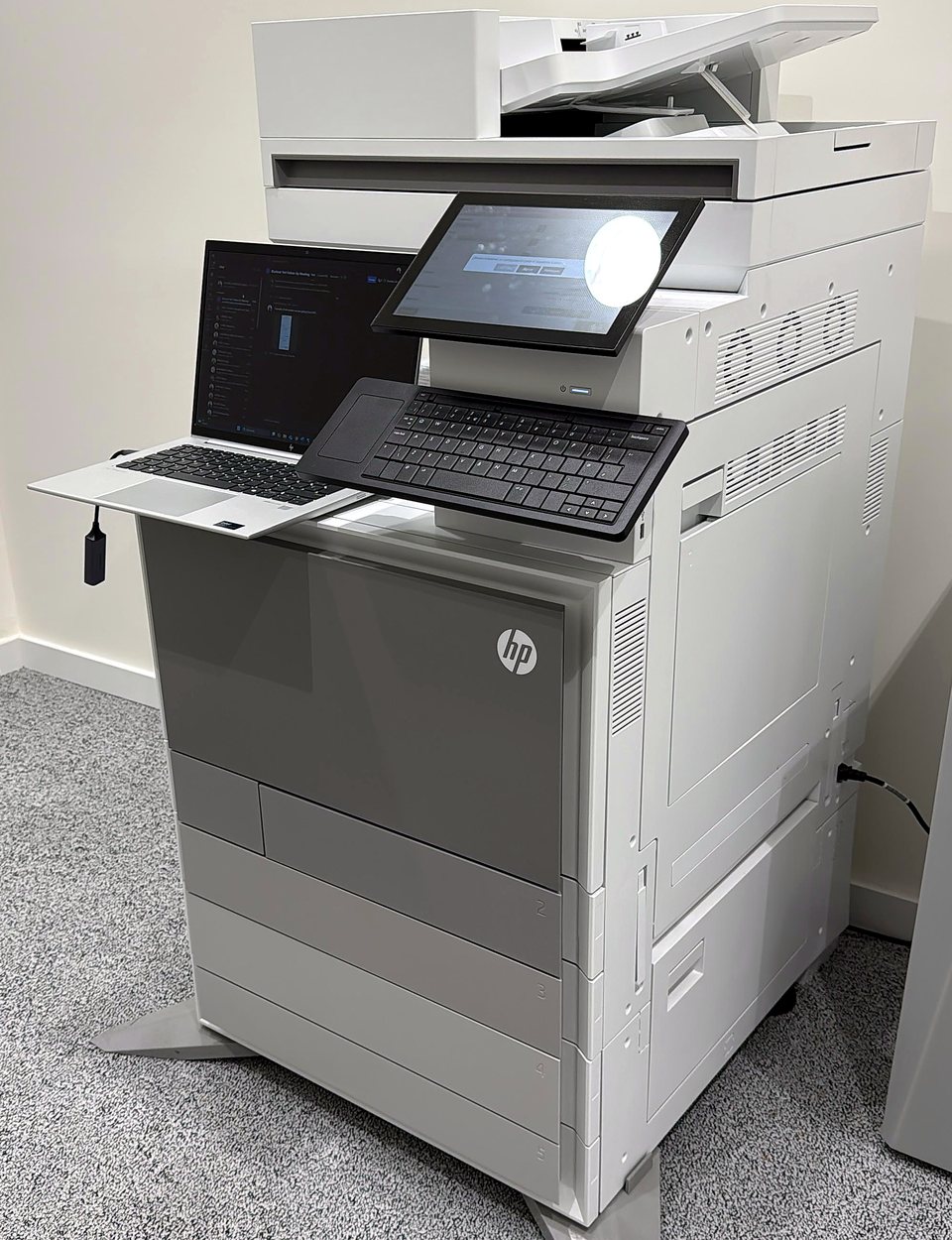
HP multifunction printer installed in an office and configured with a laptop
End user support

Multifunction printer installation

An HP multifunction printer was installed in the office, connected to the network and configured for users, with a laptop used for setup on site. The engineer tested printing and scanning before handing the device over.

  • Printer unpacked, positioned and connected
  • Network settings and user access configured
  • Print and scan tested
  • Handover to the office team

EUC and desktop support →

Need a similar project delivered?

Tell us the location, scope and timing. We will arrange a qualified engineer.

Get a quote